Kiosks
Self-Service Kiosks
Let customers order, check in, and pay themselves.
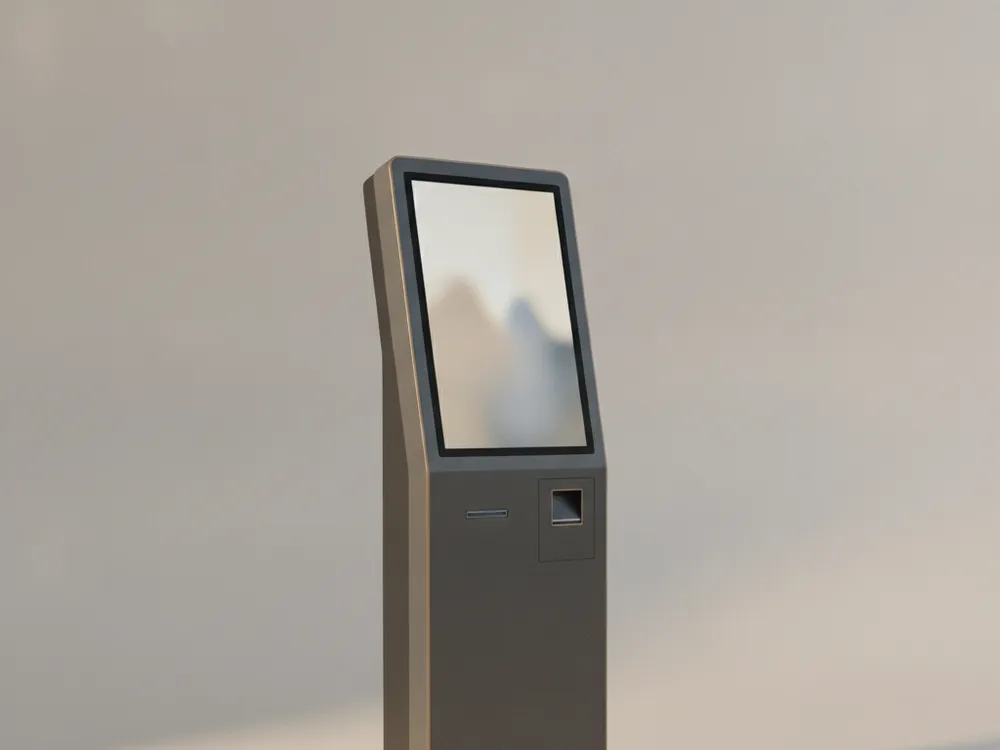
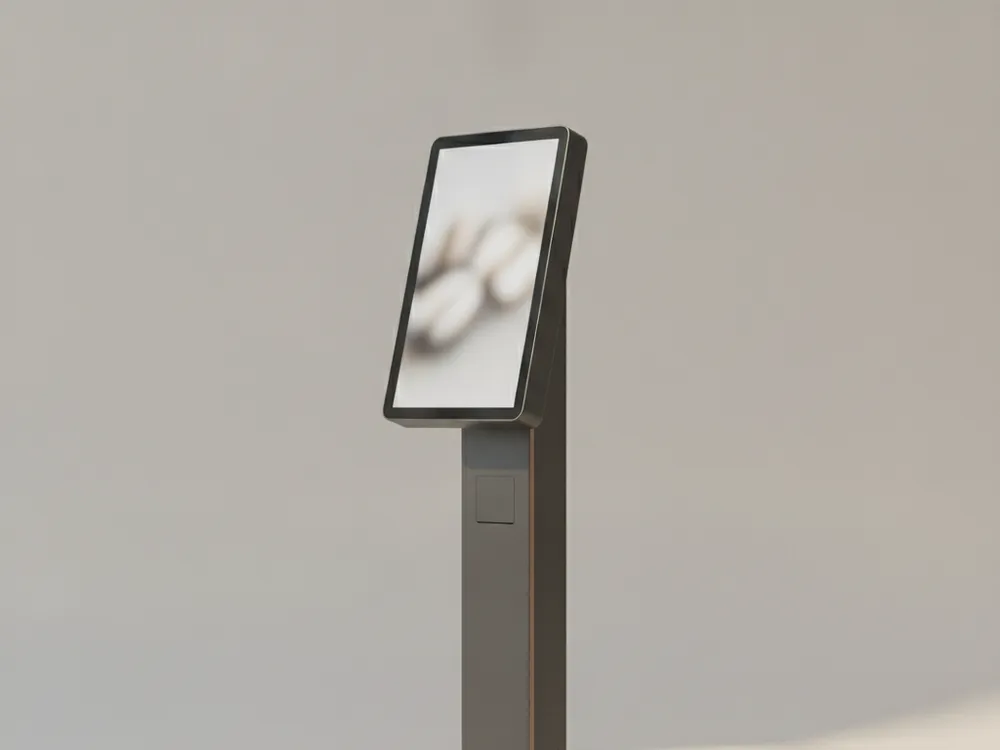
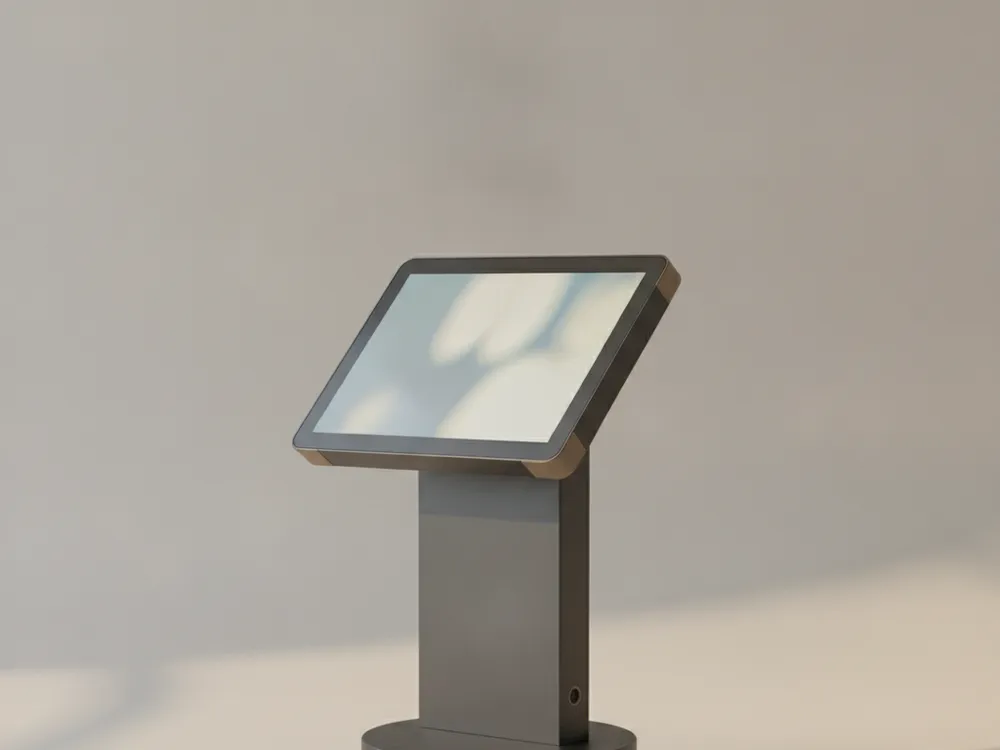
Freestanding and countertop self-service kiosks for ordering, check-in, and queue management. Commercial touchscreens, steel enclosures, and mounting for card readers and receipt printers. Run any kiosk software or a locked-down web page; the hardware does not care.
Buying guide
Buying kiosks: what to know
What software do I need to run a self-order kiosk?
Any kiosk-mode application or website. Most buyers run their existing online-ordering page in a locked kiosk browser, or dedicated kiosk software from their POS provider. Northline kiosks are standard Android or Windows touch computers, so nothing proprietary is required.
Do self-service kiosks actually increase order size?
Industry studies consistently show kiosks raise average order value 15 to 30 percent, mostly through consistent upselling and customers browsing longer without queue pressure. They also shift staff time from order-taking to fulfillment.
Can I attach a card reader and printer to the kiosk?
Yes. Every Northline kiosk includes VESA and bracket mounting points for the card readers used by all major processors, plus an internal shelf and cable routing for a receipt printer.
Not sure what fits? Ask us.
Tell us what you run and what is going wrong. We will spec the exact hardware that fits, confirm compatibility with your software, and flag anything you do not need. Free, and answered within one business day.