Buying guides ·
Thermal vs inkjet for receipts: why the answer is always thermal
Receipt printing has a settled answer. Here is why thermal printers won, what they cost to run, and the two specs that actually matter when you buy one.
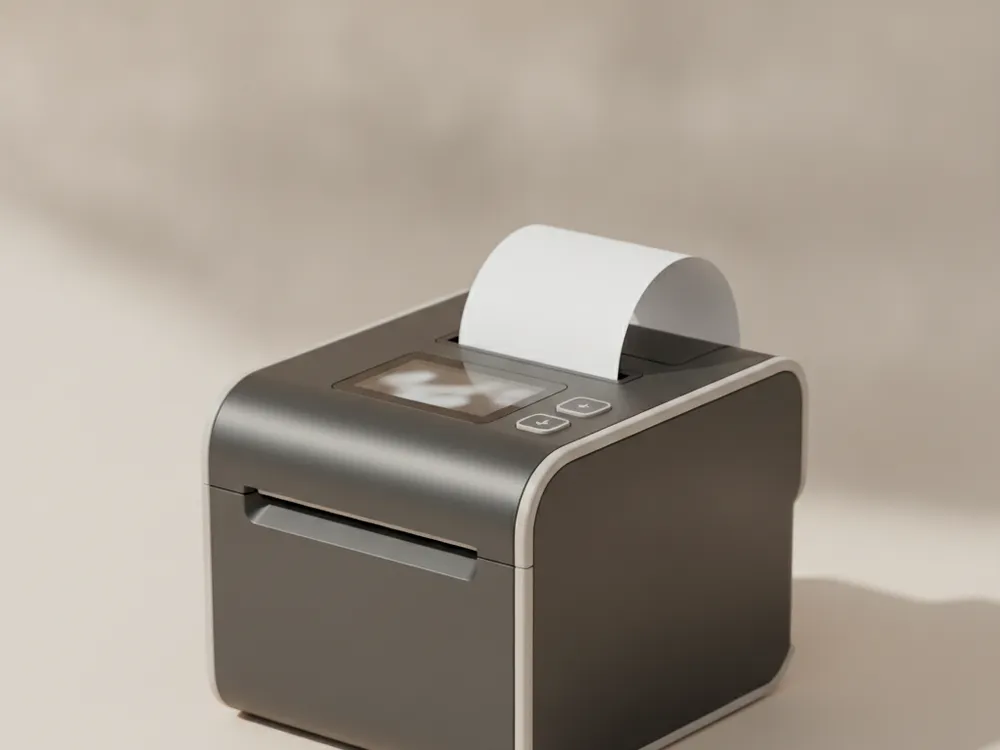
If you are pricing receipt printers, here is the short version: buy thermal. The rest of this post explains why, and which two specs are worth comparing once you have.
Why thermal won
An inkjet or impact printer pushes ink onto paper. A thermal printer heats the paper itself, which is coated to darken where heated. That one difference decides everything:
- No consumables except paper. No cartridges, no ribbons, no dried-out ink after a slow week. Thermal paper costs a few cents a roll more than plain paper and replaces every ink purchase you would ever make.
- Speed. Modern thermal units print 200 to 300mm per second. A full receipt is done in under a second, which matters more than it sounds at a busy counter.
- Silence and reliability. Fewer moving parts means the printer that sits under your counter for six years without a service call is almost certainly thermal.
The one real limitation: thermal paper fades over months, especially in heat and sunlight. Receipts are short-lived documents, so this rarely matters. For labels that must last years, a different technology (thermal transfer) exists, but that is a labeling decision, not a receipt decision.
The two specs that matter
Paper width. 80mm is the standard for retail and restaurants; 58mm suits compact counters and ticket printing. When unsure, pick 80mm: more characters per line, easier-to-read receipts, and every POS template expects it.
Connectivity. USB alone is fine for a single fixed register. If a tablet, a second terminal, or a kitchen ticket flow might ever share the printer, get a model with Ethernet and Bluetooth active alongside USB, and confirm it speaks ESC/POS (the command language effectively all POS software uses).
What you should expect to pay
A dependable 80mm thermal printer with auto-cutter and multi-interface connectivity runs $150 to $250. Below that range you are usually giving up the auto-cutter or the network interface, both of which you will miss. Above it you are mostly paying for a logo on the case.