Product explainers ·
Pickup lockers explained: how code-secured order handoff works
Smart pickup lockers give customers a PIN or QR code and a door that opens only for them. How they work, what they cost, and when they pay for themselves.
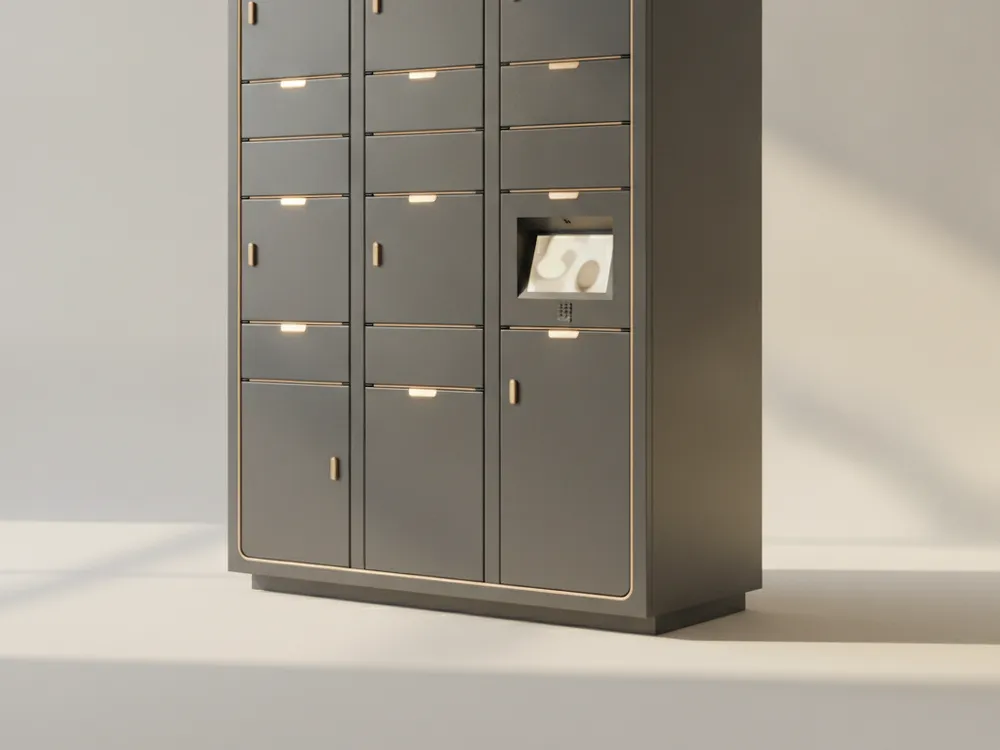
Every takeout shelf has the same failure mode: orders sitting in the open, customers pawing through bags, drivers grabbing the wrong name. Pickup lockers fix this with one mechanism: a door that only opens for the right person.
The flow
- Staff finish an order and place it in an open compartment.
- The system assigns that door to the order and sends the customer a PIN or QR code, through your ordering platform’s notification or by SMS.
- The customer (or delivery driver, with a courier code) walks up, enters the code or scans, and their door releases. Every open is logged with a timestamp.
No line, no counter interruption, no orders walking off. Staff interaction per pickup drops to zero.
Integration, or none
Modern lockers expose a REST API and webhooks, so any ordering system, e-commerce platform, or custom app can assign doors and issue codes automatically. Just as important: a good locker also runs standalone, with staff assigning doors and codes from the built-in screen. Start standalone the day it arrives; integrate when it proves itself.
Heated vs ambient
Ambient lockers cover retail click-and-collect, pharmacy, and parcel handoff. For restaurants, heated compartments hold food at safe serving temperature until pickup, which is the difference between a convenience feature and an actual quality upgrade for takeout.
When the math works
A locker earns its price where pickup volume collides with limited staff: takeout-heavy restaurants at rush, retailers doing steady online-order pickup, and any counter where staff spend hours a day playing coat-check. Count your daily handoffs and the minutes each one steals; at 50+ pickups a day the payback period is usually measured in months.